Small Visible WIP Queue: Limit In-Process Holster Shells to One Buffer
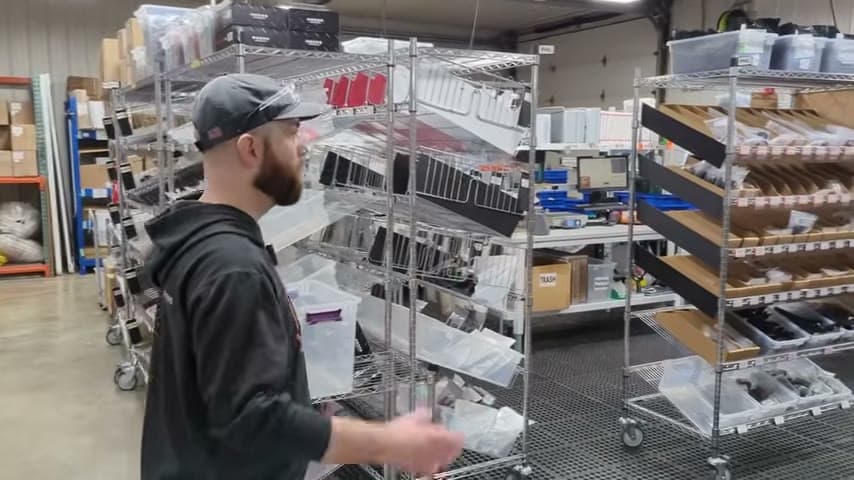
Keep all unfinished holster shells in one small visible queue so the team sees the load and finishes before starting more.
- Creator
 Audacity Micro
- Company
- Henry Holsters
- Wastes
Holster shells fresh off the CNC machine can pile up between steps, creating hidden inventory, overproduction, waiting, and confusion about what should be finished next.
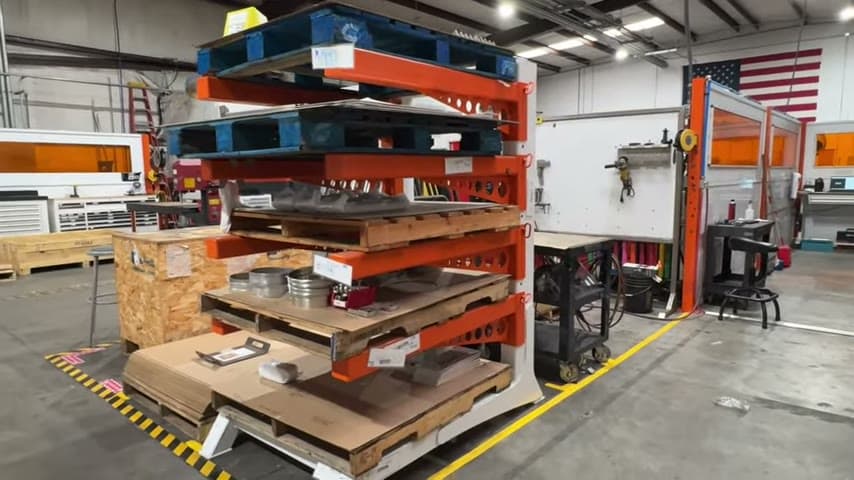
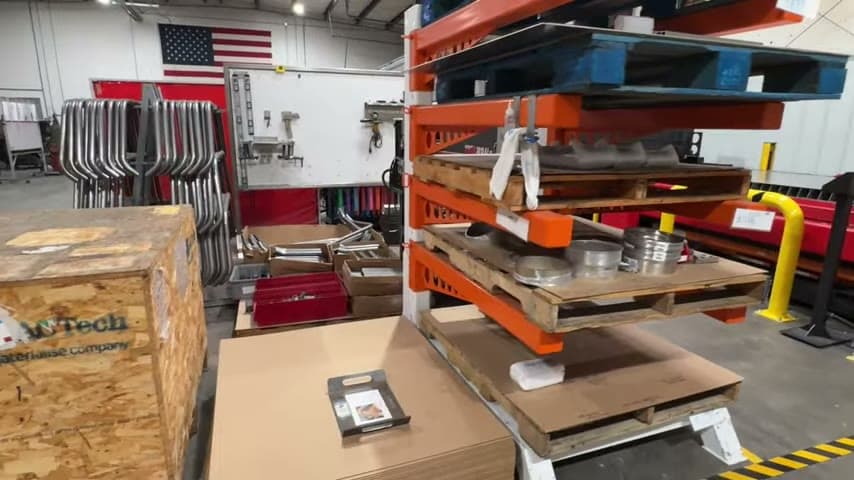
The shop keeps pretty much all in-process holster shell WIP in one small visible queue. These shells are flat, cut, and engraved from the CNC machine, and the team uses the visible queue to keep WIP to a minimum while finished packed orders leave the same day tracking is issued.
Make WIP limits visible so proven priority rules are reused by everyone.
What is a Small Visible WIP Queue?
A small visible WIP queue is one defined place for work that has started but is not finished. In this case, it holds in-process holster shells that are fresh off the CNC machine, already cut and engraved, but not yet complete.
The queue is not extra storage. It is a visual standard for how much unfinished work the process should carry. When all WIP is visible in one small place, the team can see whether the system is staying under control or starting to run ahead.
It also preserves operating knowledge. Instead of each person deciding how much to start or where to put partial work, the queue shows the shared rule: finish the visible WIP before creating more hidden work.
Why it works
A single visible WIP queue makes the correct operating rule easy to see, reuse, and follow.
- It reuses knowledge by turning the WIP limit into a visual standard instead of a verbal reminder.
- It adds value by focusing attention on finishing customer work, not making more partially completed shells.
- It mistake-proofs release decisions because excess WIP becomes visible before more CNC work is started.
- It reduces priority confusion because all in-process shells are in one known place, not scattered in hidden piles.
Evidence: The speaker says the shop is trying to keep WIP to a minimum and shows that this is pretty much all of the in-process holster shell WIP, fresh off the CNC machine.
How to create this idea
- 1Choose one queue
Pick one visible location for the in-process items between two steps. Do not allow separate side piles for the same type of work.
- 2Define what belongs
State exactly which items go in the queue, such as shells that have been cut and engraved on the CNC machine. Keep raw material and finished goods out of this queue.
- 3Set the limit
Make the queue physically small enough that extra WIP is obvious. The visible space becomes the maximum allowed amount.
- 4Use it as a stop signal
Before starting more upstream work, check the queue. If it is full or growing, work on clearing it before producing more shells.
- 5Review it daily
Look at the queue during the workday and at close. Use it to confirm that WIP is minimal and that finished packed orders are leaving as expected.
Best used when
- small batch production
- CNC to finishing
- make to order
- visible work areas
- same day shipping goals
Less useful when
- undefined process flow
- hidden storage culture
- unreliable priorities
- large batch scheduling
- no WIP ownership
Products and tools mentioned
- CNC machine: Computer-controlled machine tool for precise automated cutting, milling, or drilling of parts.
Tags
- Problem
- inventoryoverproductionwaiting
- Lean methods
- WIP limitvisual managementstandard work
- Application
- CNCwork in processshipping
Captured from Audacity Micro at Henry Holsters in the video "THIS is what a LEAN shop looks like - Lean Machine Shop Tour", at 00:14:28. On Lean Toolbox. Watch the original video on YouTube ↗