QR Codes on Supplies: Scan the Exact Listing for Fast Reordering
Put a QR code on each repeat supply so anyone can jump straight to the correct online listing and reorder.
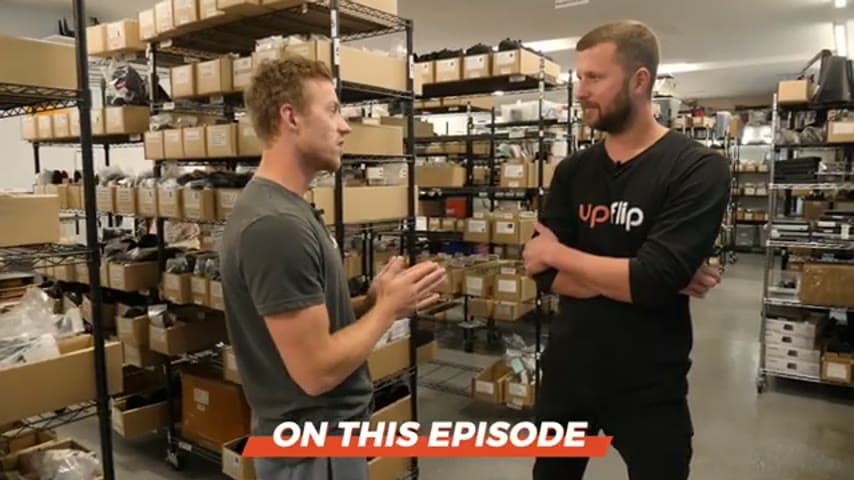
- Creator
 UpFlip
- Company
- Joe's Gaming and Electronics
- Wastes
When supplies run low, the buyer has to remember the source, search online, and choose the correct listing. That can delay replenishment, create inventory confusion, and increase the chance of ordering the wrong item.
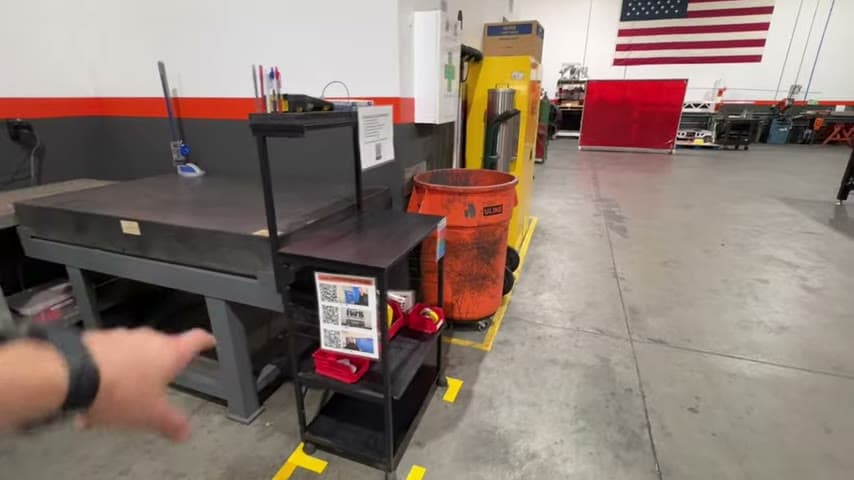
The team put QR codes on supplies. Scanning the code opens the matching Costco listing, where the item can be added to the cart and checked out.
Make proven purchasing knowledge visible and reusable at the point of need.
What is a QR Codes on Supplies?
A QR code on supplies is a scannable link attached to a repeat-use item or its storage spot. The code points directly to the online listing used to reorder that item.
In the example, the person scans the QR code and is taken directly to a Costco listing that can be added to the cart and checked out. The correct buying path is captured once, then reused by anyone.
This turns reordering from a memory and search task into a standard, mistake-proof action. The next person does not need to know the supplier, item wording, or search terms because the proven listing is already visible where the need appears.
Why it works
The QR code converts a solved purchasing decision into reusable knowledge.
- Reuses the exact online listing instead of making each person search again.
- Adds value by making replenishment simple at the moment the need is seen.
- Mistake-proofs reordering by pointing to the intended item, reducing the chance of choosing a similar but wrong listing.
- Supports lean inventory by making the reorder path clear without extra investigation.
Evidence: The transcript says scanning the QR code takes the person directly to a Costco listing that can be added to the cart and checked out.
How to create this idea
- 1Choose repeat supplies
Start with items that are reordered regularly and have a known online source. Prioritize items that are easy to confuse or slow to find.
- 2Confirm the listing
Open the exact online listing the team wants to reuse. Check that the item, size, and supplier match what should be reordered.
- 3Create the QR code
Generate a QR code that links directly to that listing. Scan it with a phone to confirm it opens the right page.
- 4Place it at the supply
Put the QR code on the supply, bin, shelf, or reorder card where the low stock will be noticed. Keep it easy to see and scan.
- 5Teach the standard
Show the team that reordering starts by scanning the code, not by searching from memory. Make the scan the normal path for that item.
- 6Review the links
Periodically scan the codes to confirm the listings still work and still point to the intended item. Replace codes when the preferred listing changes.
Best used when
- repeat supply purchases
- known online listing
- small team purchasing
- limited storage space
- risk of wrong item
Less useful when
- one time purchases
- custom sourced items
- no online listing
- frequent listing changes
Tags
- Problem
- reorderingwrong orderswaitinginventory
- Lean methods
- visual managementmistake proofingknowledge reuse
- Application
- purchasingsuppliesreplenishment
Captured from UpFlip at Joe's Gaming and Electronics in the video "Lean Manufacturing: Improve Business Efficiency & Maximize Profits (Pt. 1)", at 00:00:49. On Lean Toolbox. Watch the original video on YouTube ↗