Dedicated QR Code Holder: Give a Shared QR Code a Fixed Home
A wall-mounted holder keeps a workroom QR code visible, reusable, and off the countertop.

- Creator
- Hunter Trim & Cabinets
- Company
- Hunter Trim & Cabinets
- Wastes
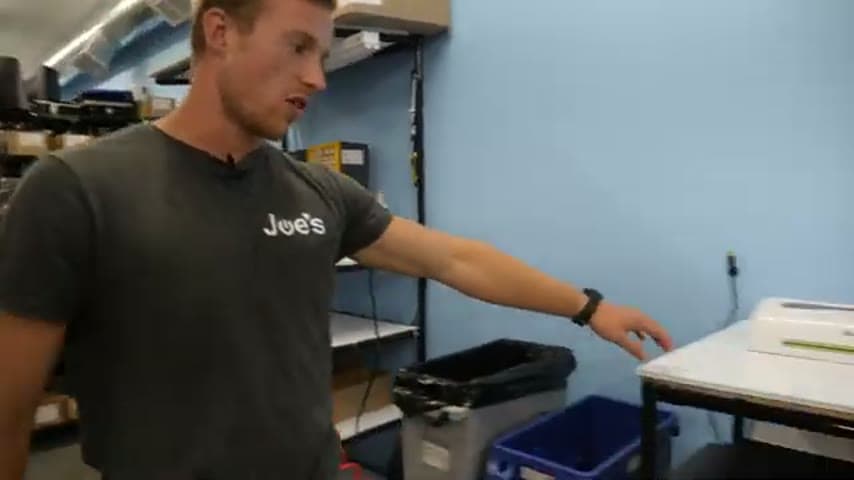
A workroom QR code was floating around loose on the countertop. It looked messy and could be moved, covered, knocked over, or missed by the next person who needed it.
The team installed pegs on the wall and made a slide-in place for the QR code so it stays upright in one fixed location instead of sitting on the counter.
Make shared knowledge visible and reusable at the point of use.
What is a Dedicated QR Code Holder?
A dedicated QR code holder is a fixed place for a QR code that people need during work. Instead of leaving the code loose on a counter, the holder keeps it visible and in the same location every time.
In this example, the team used wall pegs so the QR code could slide into place and stay from flopping over. The counter became clearer, and the information source looked intentional instead of temporary.
The Lean value is knowledge reuse. The QR code is a link to shared information, and the holder makes that link easy to find, scan, and use without relying on memory or cleanup habits.
Why it works
Fixing the QR code in a visible home turns a loose reference into a reliable information point.
- Knowledge reuse improves because the same QR code is available in the same place for each user.
- Value increases because the counter is clearer and the information is presented where it can be used.
- Mistake-proofing improves because the code is less likely to be moved, buried, damaged, or replaced by the wrong item.
- The fixed location makes the intended behavior obvious, scan the code from its home instead of searching the counter.
Evidence: The transcript says the QR code was floating around on the countertop, so the team made a place for it and got it off the counter.
How to create this idea
- 1Select the code
Choose a QR code that people use repeatedly in the area. Confirm that the code opens the correct information before mounting it.
- 2Pick the point of use
Choose a wall or panel near where people need to scan it. Keep it visible and away from items that could cover or damage it.
- 3Install the holder
Use wall pegs or a simple QR code holder that keeps the code upright and secure. Make it easy to scan without moving the code.
- 4Clear the counter
Remove the loose code from the countertop and clean the freed space. The improvement should make the new home obvious.
- 5Make it the standard
Tell the team that the QR code belongs in the holder. If the code supports a work process, add its location to the local standard.
Best used when
- shared QR codes
- workroom references
- loose information cards
- point of use instructions
Less useful when
- one time links
- private codes
- changing links
- no fixed scan point
Products and tools mentioned
- QR code holder: Used to give the workroom QR code a dedicated fixed place.
- wall pegs: Installed on the wall so the QR code can slide in and stay upright.
Tags
- Problem
- clutterlost infovisual noise
- Lean methods
- 5Svisual managementstandard work
- Application
- workroomQR codeinformation access
Captured from Hunter Trim & Cabinets at Hunter Trim & Cabinets in the video "Lean Improvements 7/31/26", at 00:07:34. On Lean Toolbox. Watch the original video on YouTube ↗