10-Minute Meeting Timer: Keep Weekly Agenda Discussions Brief
A timer at the agenda gives the team a shared cue for when to wrap up.

- Creator
- Hunter Trim & Cabinets
- Company
- Hunter Trim & Cabinets
- Wastes
Weekly agenda discussions were running a little long, creating extra discussion and delaying people from moving back to value-adding work.
The team started a 10-minute timer at the weekly agenda so the group knows when to wrap up.
Make proven meeting standards visible and reusable.
What is a 10-Minute Meeting Timer?
A 10-minute meeting timer is a simple visual control for a recurring agenda discussion. When the weekly agenda starts, the timer starts, and the team uses it as the cue to keep the discussion brief.
The timer captures a small piece of reusable knowledge: this agenda discussion should fit inside 10 minutes. That standard is placed at the point of use instead of being left to memory.
It also mistake-proofs the meeting. If the conversation starts to drift, the timer makes the wrap-up point obvious so the team does not repeat the same overrun every week.
Why it works
The timer makes a proven meeting limit visible, which helps the team reuse the same standard, protect value-added time, and avoid repeated overruns.
- It puts the 10-minute standard at the point where the agenda is discussed.
- It helps people focus on the agenda instead of adding low-value discussion.
- It gives the group a shared signal, so wrap-up does not depend on one person noticing the time.
- It turns a recurring meeting problem into a repeatable routine.
Evidence: The transcript says the meetings were running a little long, so the team planned to start a 10-minute timer at the next week's agenda to know when to wrap up.
How to create this idea
- 1Choose the meeting segment
Pick a recurring discussion that often runs long, such as a weekly agenda review.
- 2Set the standard time
Choose the time limit you want the group to reuse. In this example, the team chose 10 minutes.
- 3Put the timer at the agenda
Place or start the timer where the agenda is being reviewed so the limit is connected to the work.
- 4Start it every time
Begin the timer when the agenda discussion starts. Make it part of the meeting routine.
- 5Wrap up on the cue
When the timer goes off, summarize what matters, capture follow-ups if needed, and move on.
Best used when
- weekly meetings
- agenda reviews
- team huddles
- recurring discussions
Less useful when
- urgent problem solving
- complex decisions
- one-time meetings
Products and tools mentioned
- Timer: Keeps dust collection running for one minute after the switch is turned off.
Tags
- Problem
- long meetingsoverprocessingwaiting
- Lean methods
- visual managementstandard workmistake proofing
- Application
- meetingsofficeagenda
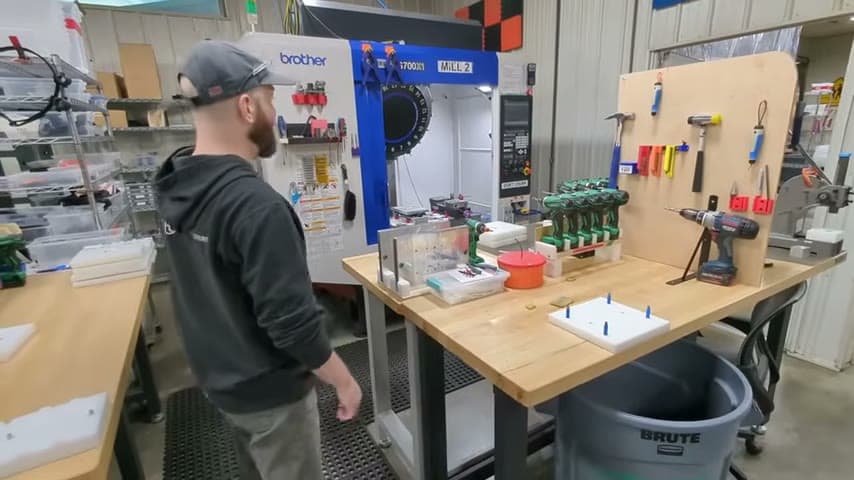
Captured from Hunter Trim & Cabinets at Hunter Trim & Cabinets in the video "Lean Improvements 8/7/26", at 00:01:11. On Lean Toolbox. Watch the original video on YouTube ↗