Shared To-Do List: Give Mike and Dustin One Place to Capture Tasks
A shared task list keeps requests visible so teammates can add, find, and act on the same work.

- Creator
- Hunter Trim & Cabinets
- Company
- Hunter Trim & Cabinets
- Wastes
Tasks for Mike needed a place to be saved, but the list was not easy for Dustin to access or add to.
The team put the tasks on a shared to-do list and added Dustin so he could access the list and add anything else that needed to be done.
Make task knowledge visible and reusable so it is not trapped with one person.
What is a Shared To-Do List?
A shared to-do list is one agreed place where task requests are recorded for the people who need to see or update them. In this case, it was used to save items for Mike and let Dustin add additional tasks.
The improvement is moving task knowledge from a personal place into a shared system. That makes the next action easier to find and reduces the chance that work is forgotten or repeated.
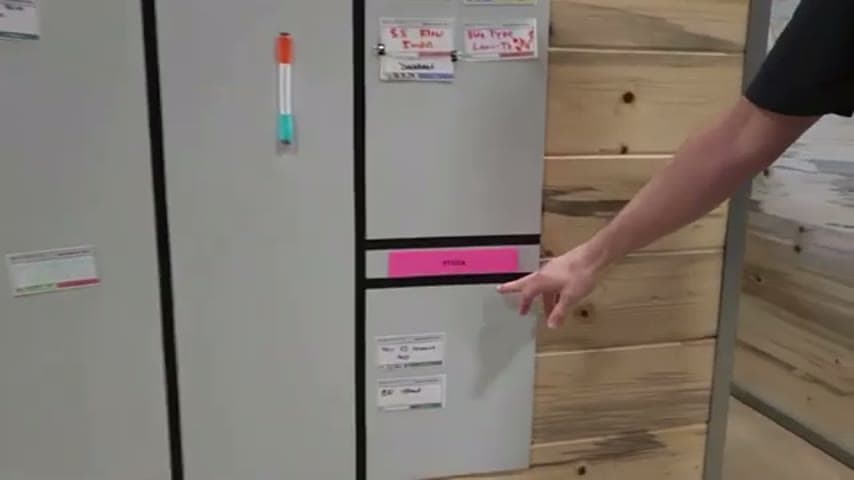
The same area also used Kanban cards and Kanban card holders to make replenishment information visible. The shared to-do list applies the same Lean idea to follow-up tasks.
Why it works
A shared list reuses task knowledge instead of forcing people to remember, re-ask, or recreate what needs to be done.
- Knowledge reuse: Mike and Dustin can work from the same captured task information.
- Added value: People can focus on doing the task instead of clarifying whether it was already captured.
- Mistake-proofing: A shared record reduces missed tasks, duplicate requests, and gaps caused by one person holding the list.
- Shared access: Dustin can add items when he notices them, keeping the task list more complete.
Evidence: The transcript says they needed a place to save items for Mike, added them to the to-do list, and got Dustin to join so he could add anything else.
How to create this idea
- 1Choose one list
Pick one shared to-do list software as the official place for these tasks. Avoid keeping the same work in separate personal lists.
- 2Define the purpose
Name the list clearly, such as tasks for a person, area, or process. Make it obvious what belongs on the list.
- 3Move tasks in
Add the tasks that are currently in notes, messages, or memory. Include enough context that someone else can understand the request.
- 4Add contributors
Give access to everyone who needs to see or add tasks. Make sure they know they can add items when they notice them.
- 5Keep it current
Review the list during normal work and update items when they are done or no longer needed. A shared list only works if people trust that it is current.
Best used when
- shared tasks
- task handoffs
- small teams
- follow-up work
- maintenance requests
Less useful when
- solo one-time work
- no shared access
- unclear ownership
- complex projects
Products and tools mentioned
- Kanban card holders: Added to hold the Kanban cards and make the system easier to maintain.
- Kanban cards: Signal cards that trigger material replenishment when inventory reaches a set point.
- To-do list software: Used as the shared place for Mike's tasks and Dustin's added items.
Tags
- Problem
- missed taskswaitinghandoffs
- Lean methods
- visual managementknowledge reusemistake proofing
- Application
- task trackingofficeteam coordination
Captured from Hunter Trim & Cabinets at Hunter Trim & Cabinets in the video "Lean Improvements 7/31/26", at 00:05:44. On Lean Toolbox. Watch the original video on YouTube ↗