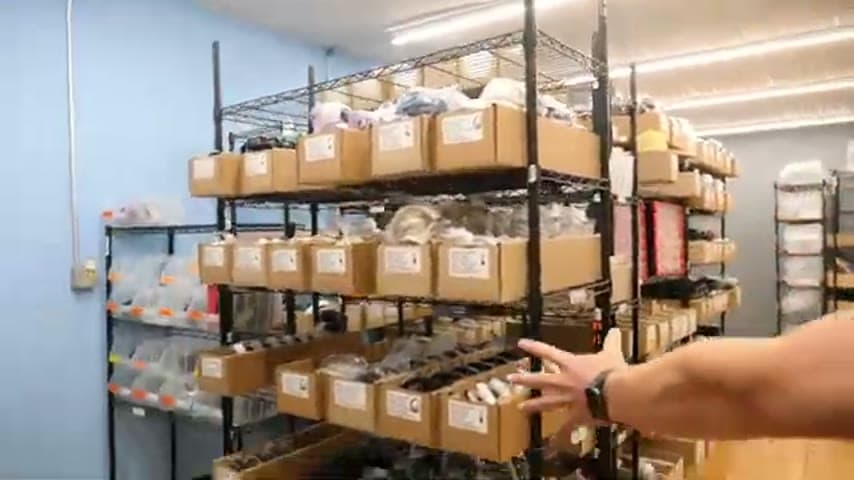
Tablet Receiving App That Prints Labels and Auto-Completes System Steps
A tablet app ties into the existing system to receive material, print labels on the spot, and finish steps that used to be manual.
- Creator
 TheAMEConnect
- Improvement date
- June 16, 2024
- Company
 Southwest Steel Buildings
- Wastes
Receiving incoming material required manual data entry into the system and separate label handling, which added steps and created chances for keying errors and mislabeled inventory.
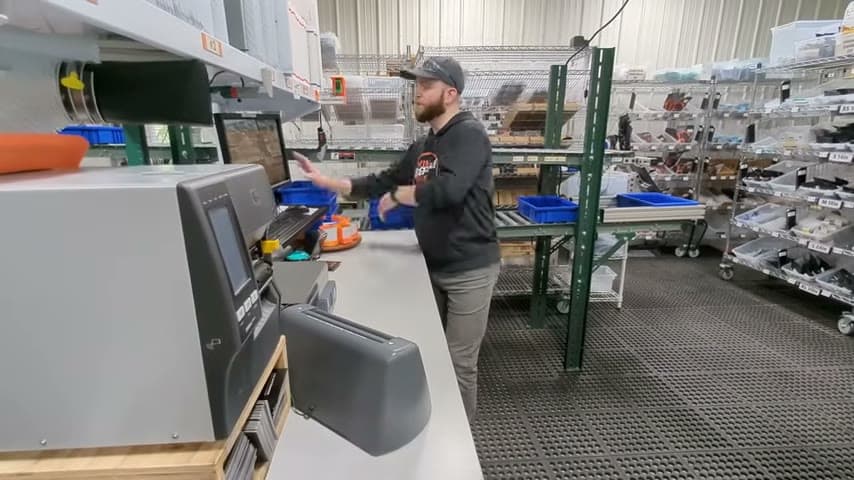
The team built a tablet-based receiving app on top of their existing BuildNet systems. When material such as steel is received, the app prints the labels right there and automatically completes the system steps that people used to do by hand.
Automate and mistake-proof the transaction at the point of use so proven steps run the same way every time.
What is a Tablet Receiving App That Prints Labels and Auto-Completes System Steps?
This is a receiving app that runs on a tablet at the receiving area. It connects to the company's existing back-end systems, referenced here as BuildNet, so the person receiving material works from one screen instead of moving between paper, a fixed terminal, and a label printer.
When material like steel arrives, the operator receives it in the app. The app prints the correct labels on the spot and automatically completes the system entries that were previously done manually, so the physical item and the system record stay in sync.
The value is that a known-good receiving process is captured in software and made portable. Anyone with the tablet follows the same flow, and the steps that used to depend on memory or manual re-keying now happen by default.
Why it works
It turns a manual, error-prone routine into a reusable, standardized transaction that anyone can run correctly.
- Captures the correct receiving steps in the app so the proven method is reused every time.
- Prints labels at the point of receipt, so the label matches the system record and mislabeling is prevented.
- Auto-completes system steps, removing manual re-keying and the defects that come from it.
- Puts the process on a tablet so it travels to where material actually arrives.
How to create this idea
- 1Map the manual receiving steps
List every action done by hand today, from data entry to label creation, and note where errors happen.
- 2Connect to your existing system
Build the app on top of your current back-end so it reads and writes real inventory records, as done here with BuildNet.
- 3Put it on a mobile tablet
Run the app on a tablet at the receiving point so the operator works from one screen at the material.
- 4Print labels on the spot
Wire in a printer so correct labels come out at the moment of receipt.
- 5Automate the system entries
Have the app complete the steps that were previously manual so records update automatically.
- 6Validate against a receiving run
Receive real material, confirm labels and system records match, and refine the flow before rollout.
Best used when
- receiving material
- manual data entry
- on-site labeling
- existing back-end system
Less useful when
- no system to integrate
- very low volume
- one-off receipts
Products and tools mentioned
- tablet: Portable touchscreen device for accessing instructions, data, and apps.
Tags
- Problem
- manual entrymislabelingoverprocessing
- Lean methods
- mistake-proofingstandard workautomation
- Application
- receivinginventorylabeling
Captured from TheAMEConnect at Southwest Steel Buildings in the video "AME 2 Second Lean Tour: Southwest Steel Buildings", at 00:23:28. On Lean Toolbox. Watch the original video on YouTube ↗