Simplified Shipping Screen: Show Only the Fields Needed to Process Orders
A focused shipping interface removes extra order grid data so packers see only what they need for the current order.
- Creator
 Audacity Micro
- Company
- Henry Holsters
- Wastes
The standard ShipStation order grid showed a lot of information. Operators had to filter through fields that were not needed for shipping, creating overprocessing and more opportunity to use the wrong information.
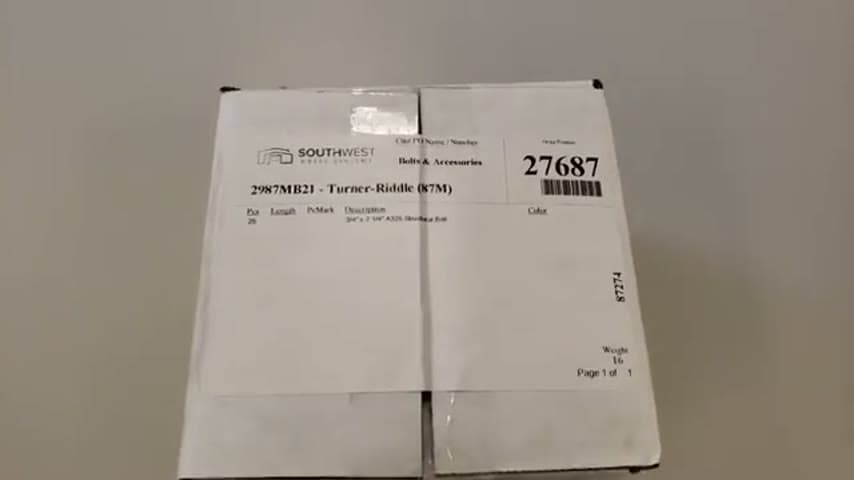
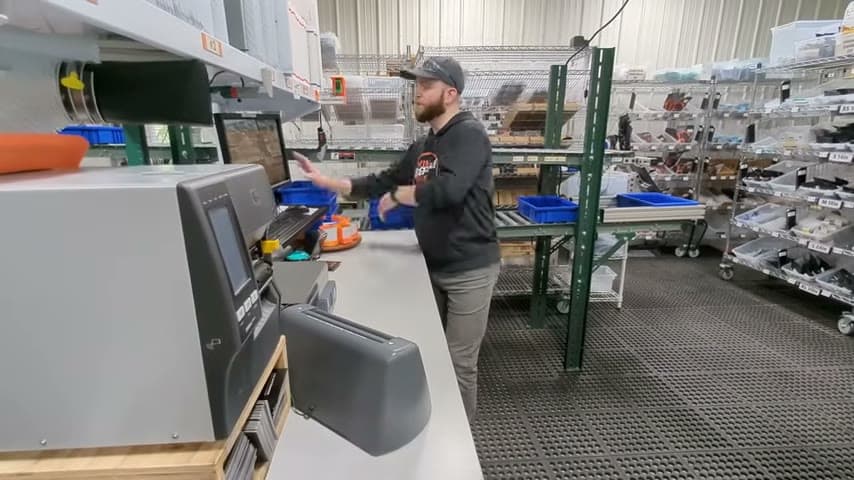
The team created a simplified shipping screen in their own software. The operator scans a packing slip into the screen, then works from an interface that shows only the fields needed to process the order.
Make the needed task knowledge visible and hide information that does not add value.
What is a Simplified Shipping Screen?
A simplified shipping screen is a task-specific order view that replaces a full order grid with only the fields needed for one job. In this case, the standard ShipStation view had a lot of information, so the team made a cleaner screen for shipping.
The process starts with the packing slip. The operator scans the packing slip into the software, and the simplified interface presents the order without the extra grid information.
This improvement captures the team's knowledge of what is actually needed to process an order. Once that knowledge is built into the screen, every operator can reuse the same proven path instead of deciding what to ignore each time.
Why it works
The screen turns a proven shipping process into a visible, repeatable interface.
- Knowledge reuse: the team decides once which fields matter, then every operator sees the same focused view.
- Added value: the screen keeps attention on the information needed to process the order, not on extra data in a full grid.
- Mistake-proofing: hiding unnecessary fields reduces the chance of reading, clicking, or acting on the wrong information.
- Standard work: scanning the packing slip gives each order the same starting point.
Evidence: The speaker says the typical ShipStation order grid has a lot of information and that they wanted a much more simplified interface where the operator scans a packing slip into their software.
How to create this idea
- 1Watch real orders
Observe orders being processed at the shipping station. Write down only the fields the operator reads or uses to complete the shipment.
- 2Remove extra fields
Compare the current order grid with the required field list. Hide or move anything that does not support the shipping task.
- 3Create a focused view
Build or configure a screen that shows only the retained fields. Keep the layout simple enough that the next action is obvious.
- 4Use one entry point
Start the process by scanning the packing slip into the screen. This reduces searching and keeps each order on the same path.
- 5Test and adjust
Run real orders through the simplified screen. Add back only information that is proven necessary to process the order correctly.
Best used when
- cluttered order grids
- shipping stations
- repetitive orders
- new operator training
- error prone screens
Less useful when
- rare exceptions
- highly variable orders
- unstable process
- research work
Products and tools mentioned
- Shipping software: ShipStation is used as the order data system that the verification software integrates with.
Tags
- Problem
- defectsoverprocessinginformation overload
- Lean methods
- visual managementstandard workmistake-proofing
- Application
- shippingorder processingsoftware
Captured from Audacity Micro at Henry Holsters in the video "THIS is what a LEAN shop looks like - Lean Machine Shop Tour", at 00:12:11. On Lean Toolbox. Watch the original video on YouTube ↗