Packing Slip Scan Announces Shipping Class at the Pack Station
Scan the packing slip and the software tells the packer the correct shipping class before weighing the package.
- Creator
 Audacity Micro
- Company
- Henry Holsters
- Wastes
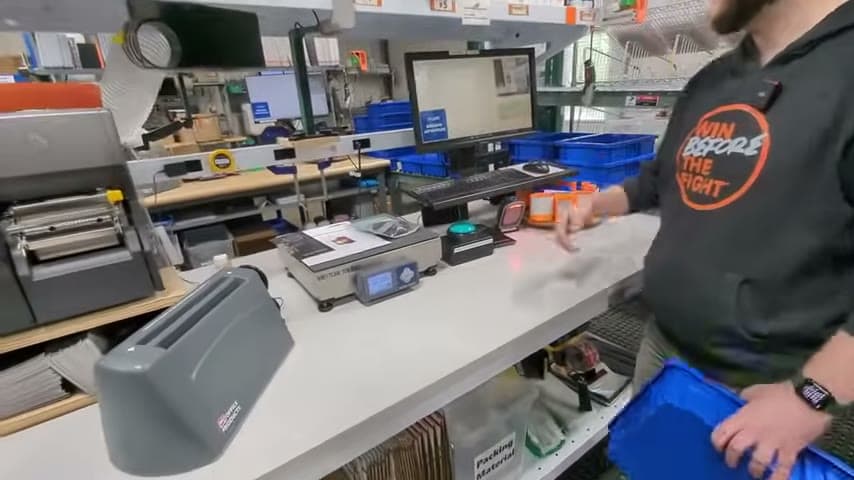
A typical ship station order grid has a lot of information on the screen. The packer has to find the shipping class in that clutter, which can lead to selecting the wrong shipping service.
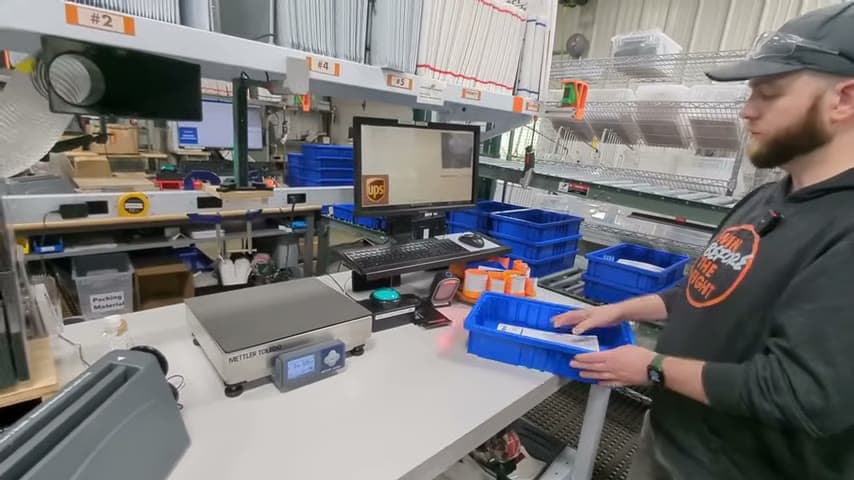
The team built a simplified software interface. The packer scans the packing slip, the software announces the shipping class, and then the package goes on the scale.
Reuse system knowledge at the point of work to prevent wrong choices.
What is a Packing Slip Scan Announces Shipping Class at the Pack Station?
A packing slip shipping class announcement is a point of use software prompt for packing and shipping. The packer scans the packing slip, and the software announces the shipping class out loud.
Instead of asking the packer to interpret a full ship station order grid, the interface presents the one fact needed for the next decision. The shipping class is pulled from the order data and made clear at the moment of use.
This is mistake proofing for shipping decisions. The correct shipping class is not left to memory, screen searching, or judgment when the system already knows the answer.
Why it works
It turns stored order knowledge into a reusable prompt that adds value at the exact point of packing.
- Knowledge reuse: the shipping class already in the system is reused instead of being reinterpreted by each packer.
- Added value: the packer gets the information needed to ship the order correctly without sorting through unrelated screen data.
- Mistake proofing: the audible prompt makes the correct shipping class hard to miss and reduces the chance of choosing the wrong service.
Evidence: The transcript says the typical ship station order grid has a lot of information, the team wanted a simplified interface, and scanning the packing slip makes the software announce the shipping class.
How to create this idea
- 1Identify the critical field
Choose the shipping field the packer must get right, such as shipping class. Keep the prompt focused on that decision.
- 2Make the slip scannable
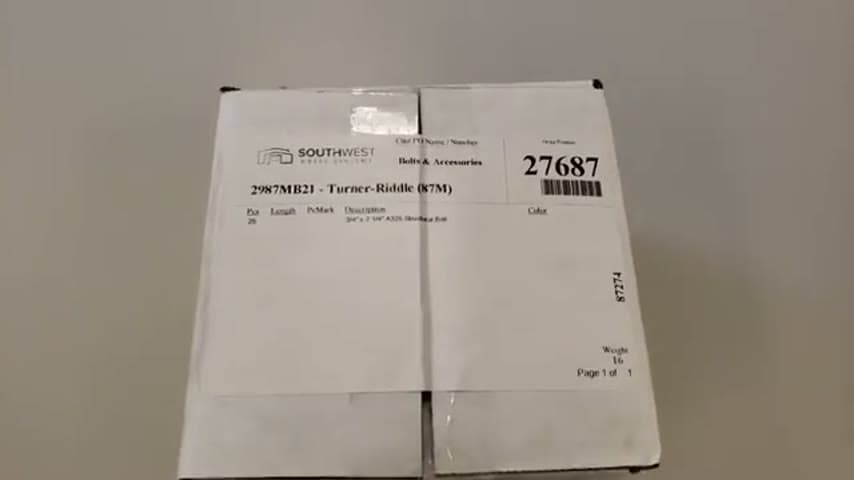
Use the packing slip as the trigger for the order lookup. The scan should connect directly to the correct order record.
- 3Simplify the screen
Replace the crowded order grid with a focused packing interface. Remove information that is not needed for the current packing step.
- 4Add the announcement
Configure the software to announce the shipping class immediately after the scan. Use short, clear wording that the packer can act on.
- 5Sequence before weighing
Have the shipping class announced before the package goes on the scale. This confirms the shipping method early in the pack station flow.
- 6Validate the data
Test real packing slips and confirm the announced shipping class matches the order. Update the logic whenever shipping rules or services change.
Best used when
- multiple shipping classes
- crowded ship screens
- busy pack stations
- scannable packing slips
- new packers
Less useful when
- single shipping class
- no order data
- rare shipments
- paper only process
Products and tools mentioned
- Shipping software: ShipStation is used as the order data system that the verification software integrates with.
- camera: Referenced as a live camera feed at the packing station.
- computer monitor: Display screen for viewing software, data, and work instructions.
- scanner: Used to scan the packing slip and trigger the order lookup.
- shipping scale: Used after the shipping class is announced.
Tags
- Problem
- shipping errorsscreen clutterwrong service
- Lean methods
- poka-yokeknowledge reusestandard work
- Application
- packingshippingfulfillment
Captured from Audacity Micro at Henry Holsters in the video "THIS is what a LEAN shop looks like - Lean Machine Shop Tour", at 00:12:22. On Lean Toolbox. Watch the original video on YouTube ↗