Kanban Reordering With QR Codes for Supplies
A scannable QR code on each bin turns reordering supplies into a one-scan trigger.
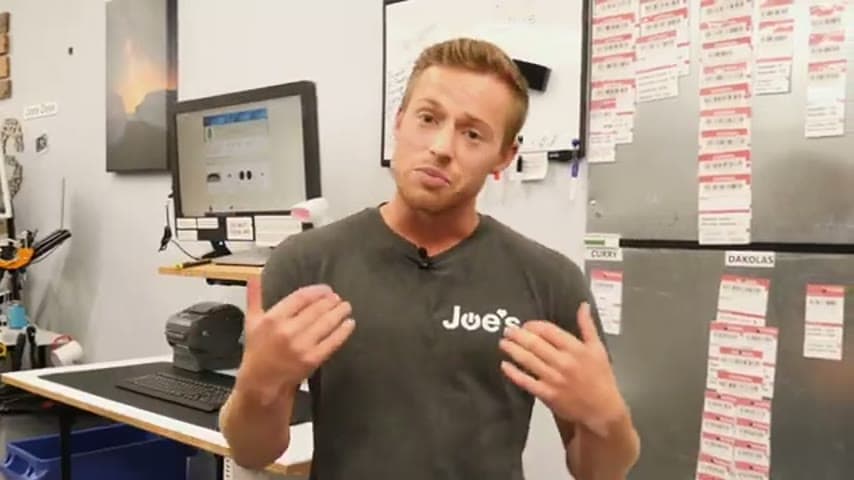
- Creator
 UpFlip
- Company
- Joe's Gaming and Electronics
- Wastes
Reordering supplies, from toilet paper to specific parts, relied on someone noticing stock was low and knowing how to reorder it. That knowledge lived in people's heads, leading to stockouts or over-ordering.
The team built a Kanban system where each item that needs reordering has a QR code. When stock hits the trigger point, anyone scans the code to reorder, no lookup or specialized knowledge required.
Make the reorder signal visible and self-service so any person can trigger replenishment.
What is a Kanban Reordering With QR Codes for Supplies?
Kanban is a pull-based signaling method: a physical or visual cue tells you exactly when to replenish an item and how much to order. Instead of guessing or checking inventory levels, the signal does the thinking for you.
Here the signal is a QR code attached to each supply or part. When the stock reaches its reorder point, a person scans the code, which links directly to the reorder action. The system covers everything from consumables like toilet paper to specific production parts.
Because the QR code carries the item identity and reorder details, the reordering knowledge is embedded in the code, not in a person. Anyone who walks past can act on the signal.
Why it works
It converts one person's ordering know-how into a reusable, mistake-proof action anyone can perform.
- The correct item, quantity, and supplier are captured in the QR code, so no one has to remember them.
- Any team member can scan and reorder, spreading the capability instead of bottlenecking on one buyer.
- The visible signal makes the reorder point obvious, preventing both stockouts and over-ordering.
- Standardizing on QR codes keeps every reorder consistent and repeatable across all supplies.
How to create this idea
- 1List reorderable items
Identify every supply and part that regularly needs reordering, from consumables to production parts.
- 2Set reorder points
Decide the stock level that should trigger a reorder for each item, plus the quantity to order.
- 3Create a QR code per item
Generate a QR code that links to the reorder action or order form for that specific item and quantity.
- 4Attach codes at the point of use
Place each QR code on the bin, shelf, or item so it is visible when stock runs low.
- 5Standardize the scan-to-reorder flow
Make sure scanning any code completes the reorder in one step, so anyone can do it without training.
Best used when
- repeat consumables
- known reorder points
- shared supplies
- self-service ordering
Less useful when
- one-off purchases
- highly variable demand
- no smartphone access
Tags
- Problem
- stockoutsreorder knowledgeover-ordering
- Lean methods
- kanbanpull systemvisual signal
- Application
- suppliesconsumablesparts replenishment
Captured from UpFlip at Joe's Gaming and Electronics in the video "Lean Manufacturing: Improve Business Efficiency & Maximize Profits (Pt. 1)", at 00:06:22. On Lean Toolbox. Watch the original video on YouTube ↗