Go Paperless: Scan Documents to Eliminate File Cabinets
Scanning every document to digital removes most file cabinets and cuts storage and retrieval effort.

- Creator
 TheAMEConnect
- Improvement date
- June 16, 2024
- Company
 Southwest Steel Buildings
- Wastes
Paper files require cabinets, floor space, and manual searching. Portable desks with no drawers have nowhere to store paper, and physical files are slow to retrieve and easy to misplace.
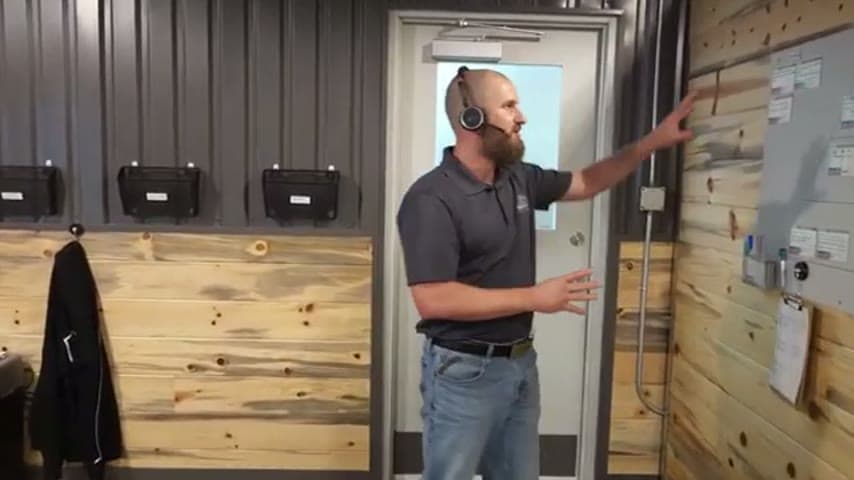
The team scans everything to digital instead of keeping paper. They removed nearly all file cabinets in the building, leaving perhaps one, and store and retrieve documents electronically.
Convert physical inventory to searchable digital records so knowledge is reusable and instantly retrievable.
What is a Go Paperless?
Going paperless means scanning incoming and existing documents into a digital system rather than filing paper copies. Once scanned, the paper original is discarded or archived, and the digital file becomes the working record.
Because documents live in a searchable digital store, anyone can find and reuse them without walking to a cabinet or knowing exactly which drawer holds them. This also frees the physical footprint of file cabinets, which supports flexible layouts like portable desks with no drawers.
The change treats stored paper as inventory and manual filing and retrieval as overprocessing, both of which add cost without adding value.
Why it works
Digitizing documents makes proven records visible and reusable to everyone instead of trapped in one person's cabinet.
- Scanned files are searchable, so knowledge is found and reused instantly rather than hunted for.
- One shared digital source removes duplicate copies and conflicting versions.
- No physical filing step means fewer chances to misfile or lose a document.
- Removing cabinets frees space and enables flexible, drawerless workstations.
Evidence: The team reports nearly every file cabinet in the building has been removed, leaving about one.
How to create this idea
- 1Set a scan-everything rule
Make scanning the default for all incoming and existing paper documents.
- 2Choose a searchable store
Save scans into a shared digital system anyone can search and access.
- 3Digitize the backlog
Work through existing file cabinets, scan the contents, and dispose of paper you no longer need to keep.
- 4Remove empty cabinets
As drawers empty, take cabinets out to reclaim floor space.
- 5Support drawerless desks
With no paper to store, switch to portable workstations without drawers.
Best used when
- office paperwork
- portable workstations
- shared documents
- space constraints
Less useful when
- legally required paper
- no scanning tools
- unreliable digital storage
Tags
- Problem
- paper fileswasted spaceslow retrieval
- Lean methods
- paperlessinventory reductiondigitization
- Application
- officerecords management
Captured from TheAMEConnect at Southwest Steel Buildings in the video "AME 2 Second Lean Tour: Southwest Steel Buildings", at 00:37:47. On Lean Toolbox. Watch the original video on YouTube ↗