Hold Cone With Notes: Show Why a Project Is Stopped
A cone and status note make the reason for a stopped project visible at the work location.
- Creator
 American Precision Engineering
- Company
- American Precision Engineering
- Wastes
When a project is on hold but the reason is not visible, people must ask around, guess the status, or risk moving work forward before the blocking issue is resolved.
The team places a hold cone with notes at the project. The notes state what is making that particular project on hold, and laminated cards help keep status information easy to track.
Make hold status visible and reusable at the work.
What is a Hold Cone With Notes?
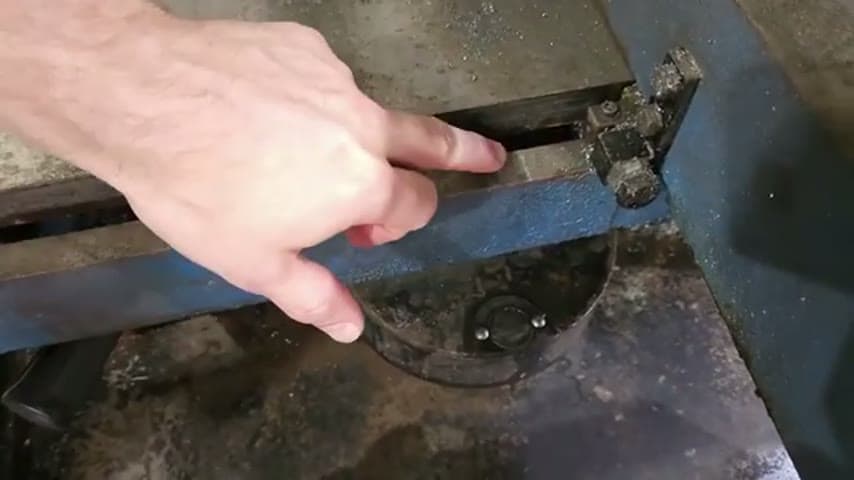
A hold cone with notes is a physical visual signal placed on or near a project that has stopped. The cone shows that the work is on hold, and the notes explain why.
In the transcript, the team uses cones for status and a hold cone with notes about what is making a particular project on hold. They also use laminated cards to make tracking information easier.
The value is not the cone itself. The value is capturing the reason for the stop once, at the point of work, so the next person can reuse that knowledge instead of rediscovering the same issue.
Why it works
The hold cone turns hidden status knowledge into visible, reusable information.
- It adds value by showing the reason for the hold, not just that the project has stopped.
- It supports knowledge reuse because anyone can read the notes instead of asking the same question again.
- It mistake-proofs the handoff by making it harder to move a held project forward before the issue is cleared.
- It reduces waiting caused by unclear status, missing context, or a reason known only by one person.
Evidence: The transcript says the cone is a hold cone and has notes about what is making that particular project on hold.
How to create this idea
- 1Define hold meaning
Agree that a cone means the project is stopped and should not move forward until the hold is cleared. Use the same meaning across the area.
- 2Use a visible cone
Place a cone directly on or beside the held project. The status should be obvious before anyone handles the work.
- 3Add the reason
Write a short note explaining what is making the project on hold. Include the useful fact a coworker would otherwise have to ask for.
- 4Use durable cards
Use laminated cards when notes need to be reused or survive shop handling. Keep the card simple so it stays easy to update.
- 5Update immediately
When the hold reason changes, update the note. When the hold is cleared, remove the cone so old information does not create defects or confusion.
- 6Make it standard
Teach the team that no held project sits without a visible reason. Treat the cone and note as part of the normal stop work routine.
Best used when
- project holds
- shared work areas
- handoffs
- waiting for parts
- quality questions
Less useful when
- single person work
- instant decisions
- digital only workflow
- no physical work
Products and tools mentioned
- Cones: Used as the visible marker that a project is on hold.
- Laminated cards: Protective plastic-coated cards used for durable work instructions or signals.
Tags
- Problem
- waitingdefectsunclear status
- Lean methods
- visual managementmistake proofingstandard work
- Application
- project trackingfabricationwelding handoff
Captured from American Precision Engineering at American Precision Engineering in the video "Tour of APE's lean shop", at 00:07:31. On Lean Toolbox. Watch the original video on YouTube ↗