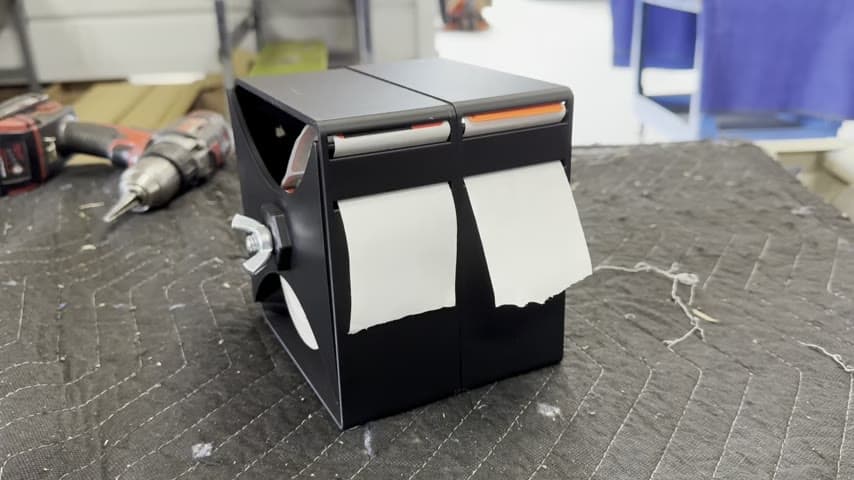
Scrap Slide Table Under the Trim Line
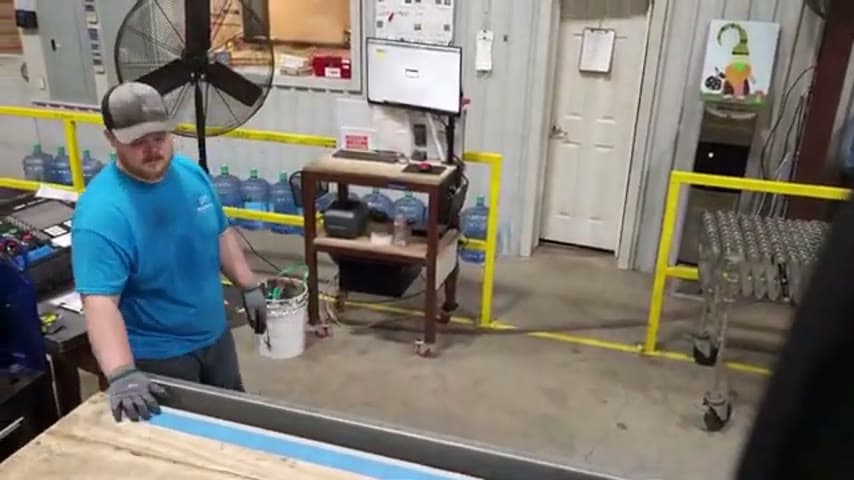
A table placed under the trim line lets scrap slide away on its own instead of being rolled up and hauled off by hand.
- Creator
 TheAMEConnect
- Improvement date
- June 16, 2024
- Company
 Southwest Steel Buildings
- Wastes
Trim scrap piled up at the line and had to be rolled up and thrown away by an operator, which took handling time and could stop the line. The scrap log ran on a 4-hour turnaround.
The team built a table underneath the trim line so cut scrap slides off the side and drops under the table automatically. The operator no longer stops to gather and carry off scrap, and the scrap-log turnaround dropped from the 4-hour cycle.
Let gravity and layout handle waste removal so operators do not stop value-adding work.
What is a Scrap Slide Table Under the Trim Line?
This is a scrap-handling fixture: a table positioned directly under the trim line. As material is trimmed, the scrap slides over the edge and falls underneath the table, collecting out of the operator's way.
Before the change, scrap was rolled up and thrown away by hand, a separate task that interrupted the flow of the line. By rethinking the layout, the team turned scrap removal into something that happens automatically as part of the trim step.
The fixture is simple by design. It adds no new machinery and requires no operator decision. Scrap goes where it is meant to go on its own, which keeps the line moving.
Why it works
The value here is a proven layout tweak that anyone running a trim line can copy and that removes a manual step where mistakes and delays happen.
- Makes the right scrap path the automatic path, so no one has to remember to clear it.
- Removes a stop-and-handle task that could halt the line.
- Turns a good idea into a visible, repeatable fixture others can build.
- Frees the operator to stay on value-adding work instead of scrap cleanup.
Evidence: Scrap log turnaround went from a 4-hour cycle to a shorter time (exact new figure cut off in transcript).
How to create this idea
- 1Map the scrap path
Watch where trim scrap currently goes and how the operator gathers and disposes of it today.
- 2Build a table under the trim edge
Position a table directly beneath the line so scrap can slide off the side and drop underneath.
- 3Set the geometry to use gravity
Angle or place the surface so cut scrap slides away on its own without being pushed by hand.
- 4Give scrap a landing spot
Provide the space under the table for scrap to collect so it stays out of the work area.
- 5Confirm the line keeps running
Verify the operator no longer stops to roll up and carry off scrap, then measure the turnaround improvement.
Best used when
- trim or cutting lines
- continuous scrap output
- manual scrap handling
- frequent line stops
Less useful when
- scrap must be sorted
- heavy or bulky offcuts
- no space under line
Tags
- Problem
- scrap handlingline stoppagemanual cleanup
- Lean methods
- gravity flowlayout redesignwaste removal
- Application
- trim linecuttingscrap management
Captured from TheAMEConnect at Southwest Steel Buildings in the video "AME 2 Second Lean Tour: Southwest Steel Buildings", at 00:30:51. On Lean Toolbox. Watch the original video on YouTube ↗