Kanban Cards Scanned by Value Stream Managers to Trigger Reorders
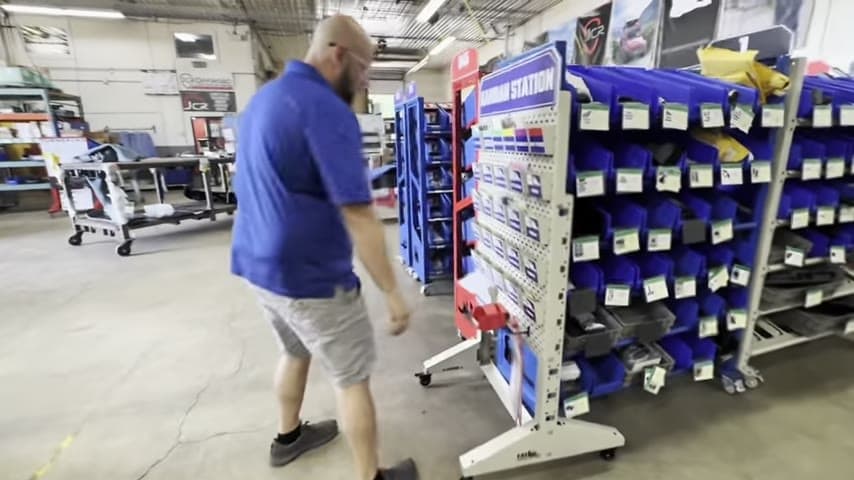
Shop floor drops kanban cards at a central board and managers scan them, so operators never touch the ERP.
- Creator
 WillytheMinimalist
- Company
 JCR Offroad
- Wastes
Reordering required shop floor operators to enter data into the ERP, adding overprocessing and pulling skilled hands away from production for clerical work.
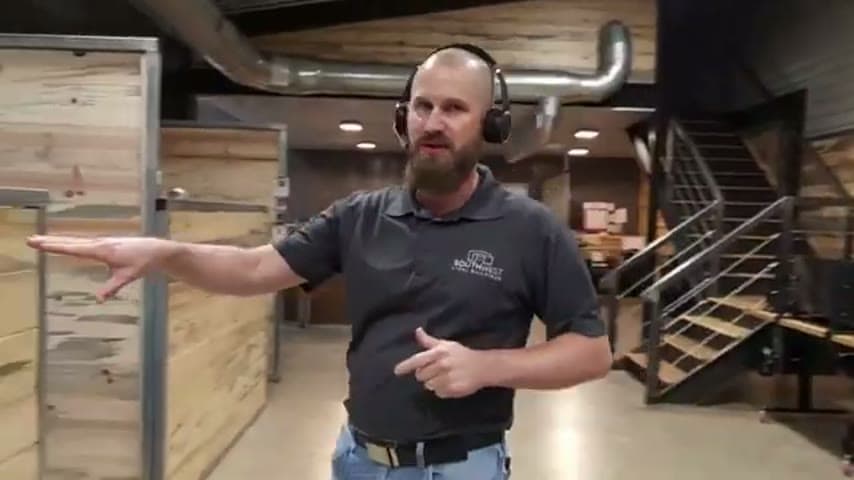
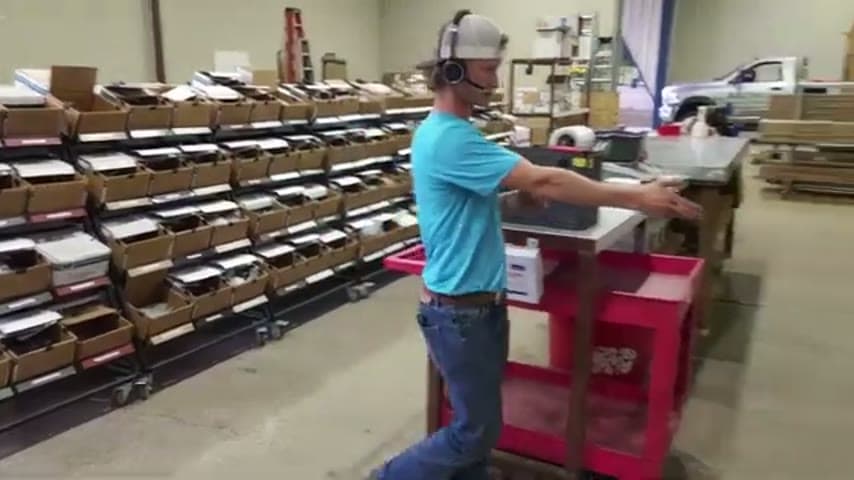
The team set up a central board where all kanban cards are turned in when a part hits its reorder point. Value stream managers scan the cards to trigger the purchase or production order, a process the team calls a reverse PO. Operators just drop the card and keep working.
Separate the signal from the transaction so the people closest to the work only signal, not process paperwork.
What is a Kanban Cards Scanned by Value Stream Managers to Trigger Reorders?
A kanban card is a physical reorder signal attached to a bin or batch of parts. When stock drops to the trigger point, the card is pulled and moved to a collection board instead of sitting in the ERP.
Here the collection board acts as a single visible queue of everything that needs reordering. A value stream manager scans each card to create the order in the ERP, whether it is a purchase or an internal production request. Because the team has no dedicated purchasing role, this scan-to-order flow, which they call a reverse PO, replaces manual data entry by whoever happened to run out.
The board doubles as a status display. Anyone can walk up and see exactly what is being reordered and even who is out that day, making the reorder pipeline visible to the whole team at a glance.
Why it works
It turns a scattered, error-prone data-entry task into one proven, visible, repeatable routine owned by the right people.
- One central board makes every open reorder visible and reusable knowledge, not hidden in one person's head.
- Scanning a printed kanban card removes free-typing, so wrong part numbers and quantities are designed out.
- Concentrating order entry with value stream managers means the correct process runs the same way every time.
- Operators add value by staying on production while the signal still gets captured reliably.
How to create this idea
- 1Print a kanban card per part
Each card carries the part number and reorder quantity as a scannable code so no one retypes data.
- 2Set a central turn-in board
Create one visible location where every pulled card is dropped when a part hits its reorder point.
- 3Assign scanning to managers
Have value stream managers scan the turned-in cards to trigger the order, keeping operators on the floor.
- 4Route to purchase or production
Use the scan to create the correct order type, a purchase or an internal build, without manual entry.
- 5Use the board as a status display
Let anyone read the board to see current reorders and daily coverage at a glance.
Best used when
- reorder point signals
- no dedicated purchasing role
- shared shop ERP
Less useful when
- fully automated MRP
- very high SKU churn
- remote-only teams
Products and tools mentioned
- Kanban cards: Signal cards that trigger material replenishment when inventory reaches a set point.
Tags
- Problem
- data entryoverprocessingreorder errors
- Lean methods
- kanbanpull systemvisual management
- Application
- purchasinginventoryshop floor
Captured from WillytheMinimalist at JCR Offroad in the video "Lean Tour of JCR in Michigan", at 00:02:10. On Lean Toolbox. Watch the original video on YouTube ↗